
Feedback Loop
Information that shows what the system received, what changed and what the person can do next.
Public evidence overview
One checked source, with its limits.
This preview is not the complete evidence base. Use it as a question to investigate in your own product, not as a prediction of what an individual will do.
Understanding Success Criterion 4.1.3: Status Messages
Research-assisted source review
- What it supports
- Important status changes must be programmatically determinable so assistive technologies can present them without unnecessarily interrupting work. Examples include submission success, error counts, search results, busy states and progress updates.
- Where it may not transfer
- This guidance establishes an accessibility requirement and examples, not the behavioural effect of feedback or the best message for a particular product. It applies to defined status messages, not every content change, and warns that excessive live announcements can make an interface too chatty.
See how sources and limitations are checked in our editorial method.
Member depth
Continue into the complete evidence and application.
Practitioner includes the complete checked source set, study context and practical takeaways for this ingredient. The public overview above remains available without upgrading.
Seen in real products
How teams put it to work.
Examples identified in our interface teardowns, linked back to the full product journey.
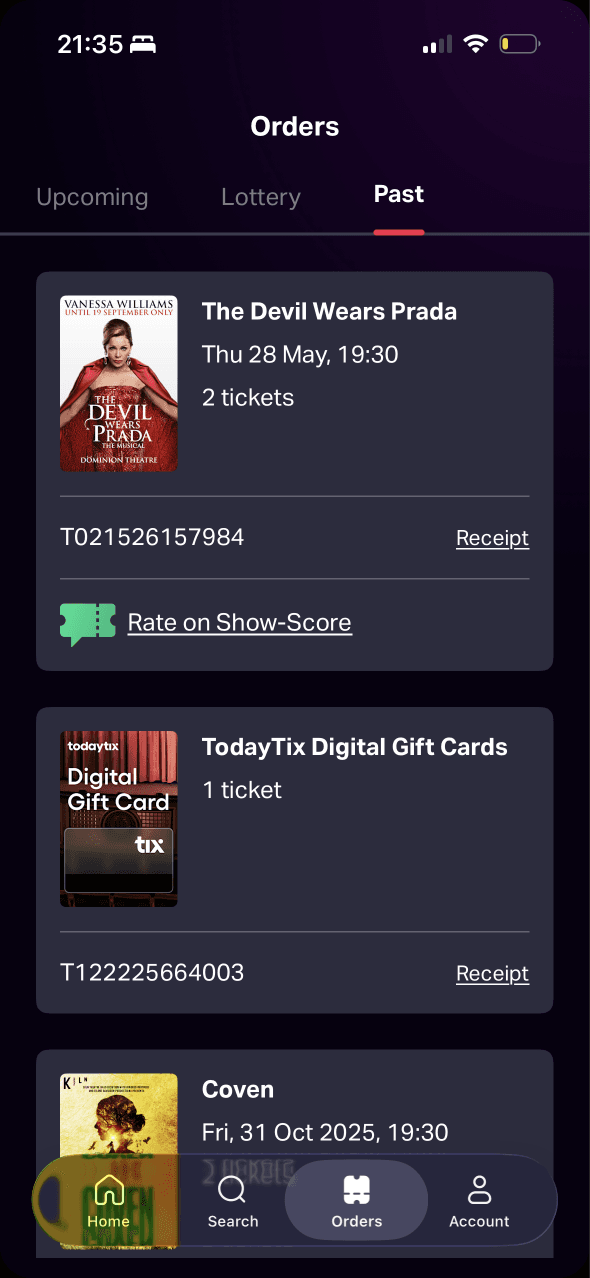
Past orders provide a record of completed purchases, and the review action sits beside the exact production. This creates a clear connection between experience and response.
View Ask for feedback without overreaching →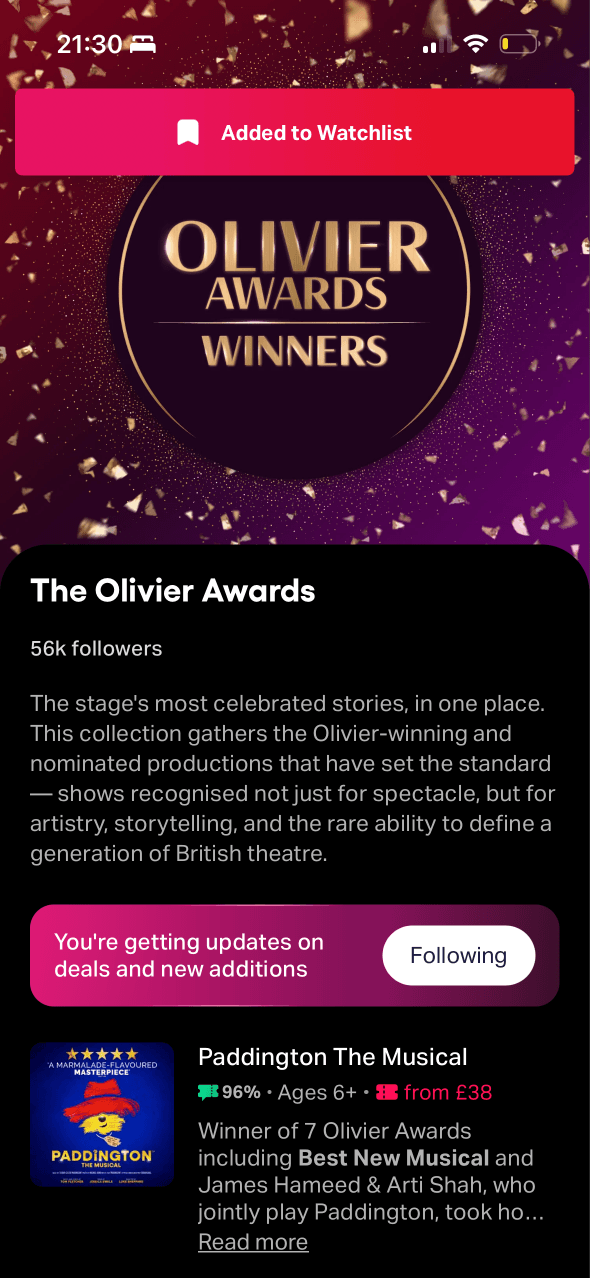
An Added to Watchlist banner confirms the action and the button changes to Following. This provides immediate and persistent evidence that the save worked.
View Bring people back without nagging →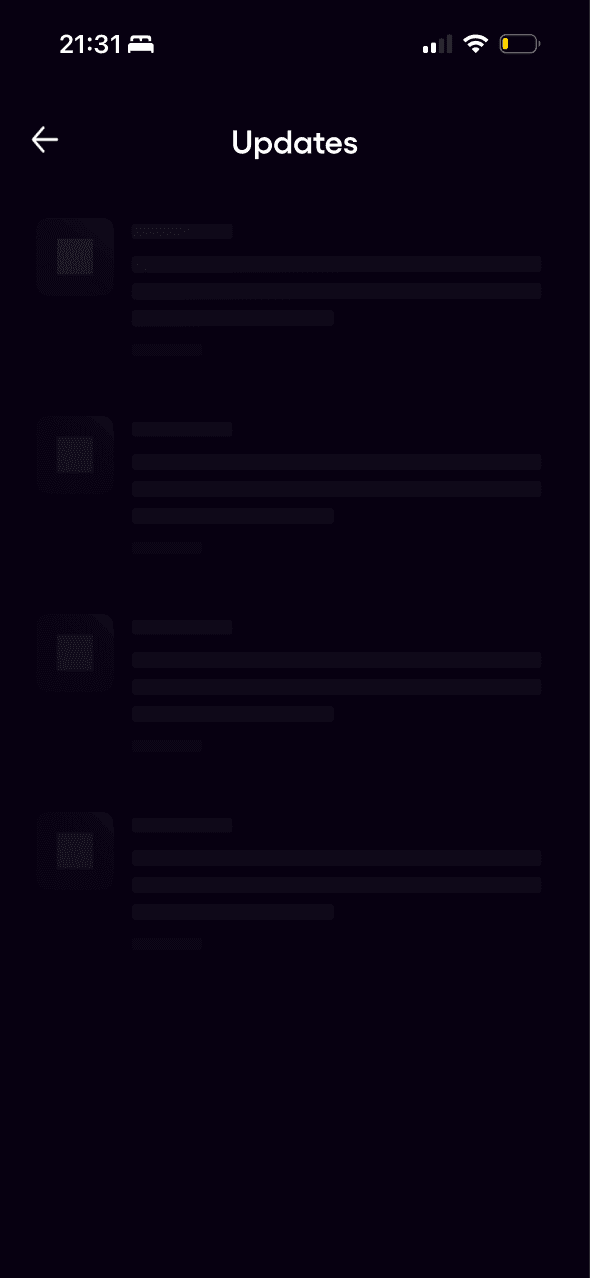
Skeleton rows indicate that the Updates feed is loading rather than empty. The state lacks visible error, retry or timing information in the captured frame.
View Bring people back without nagging →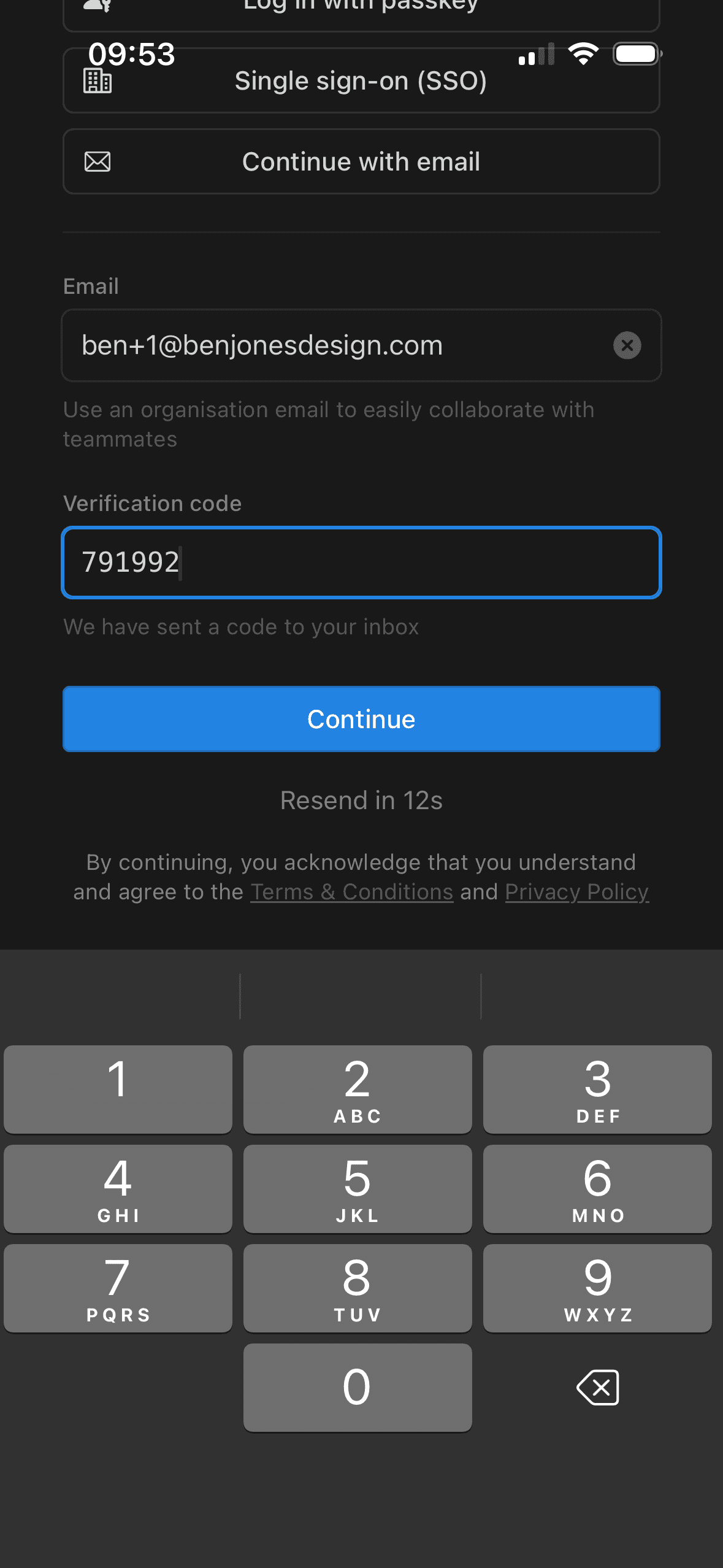
The destination, code-entry state and resend action show the person what happened and what they can do next. That visible response forms a useful feedback loop.
View Ask only what onboarding needs →
A spinner and Finding you the best deals message acknowledge that the app is working. The state does not say how long loading may take or what happens if it fails.
View Make seat choice feel safe →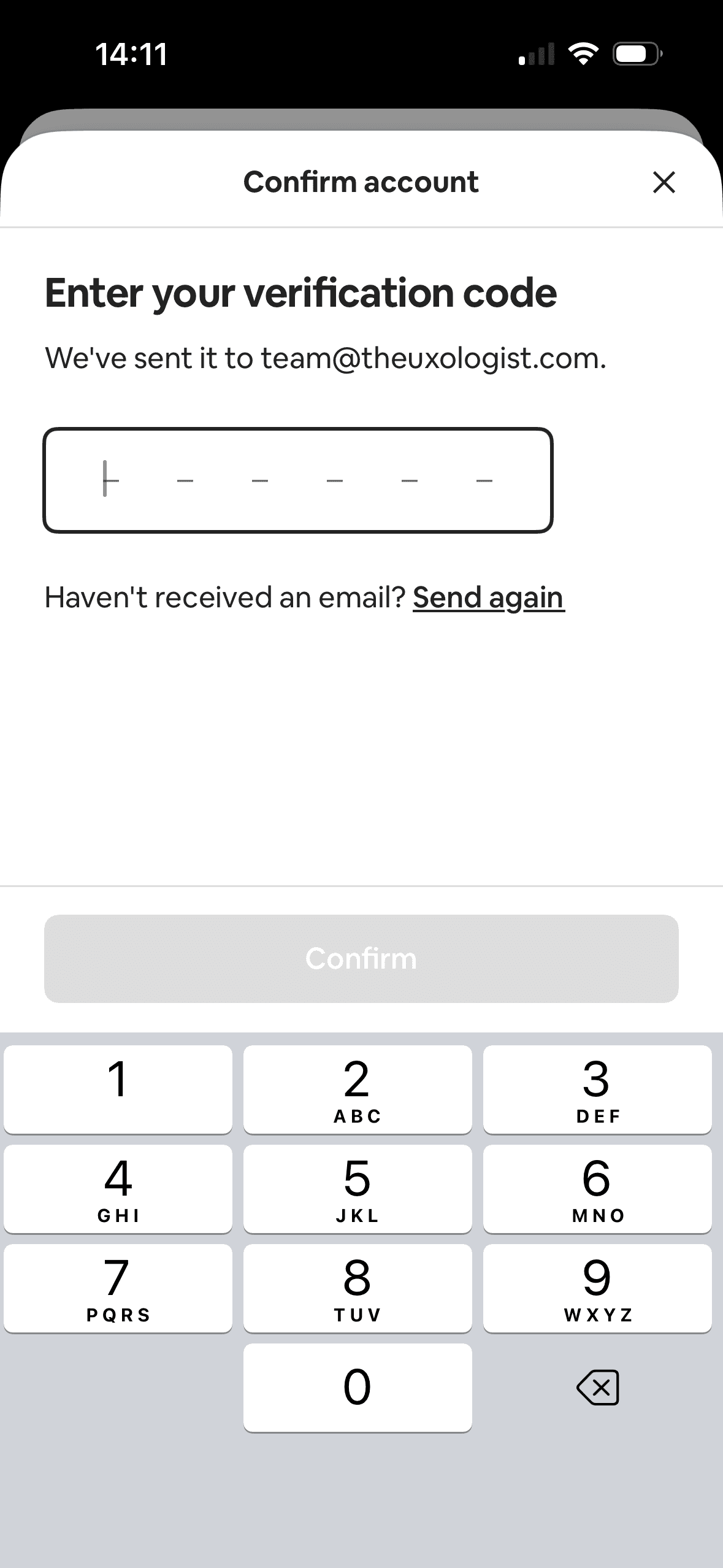
The destination, code-entry state and resend action show the person what happened and what they can do next. That visible response forms a useful feedback loop.
View Separate account setup choices →