
- Flow
- Keep wellbeing and selling separate
- Product
- Health & Fitness
Where it appears
Behavioural observations
What this screen may illustrate.
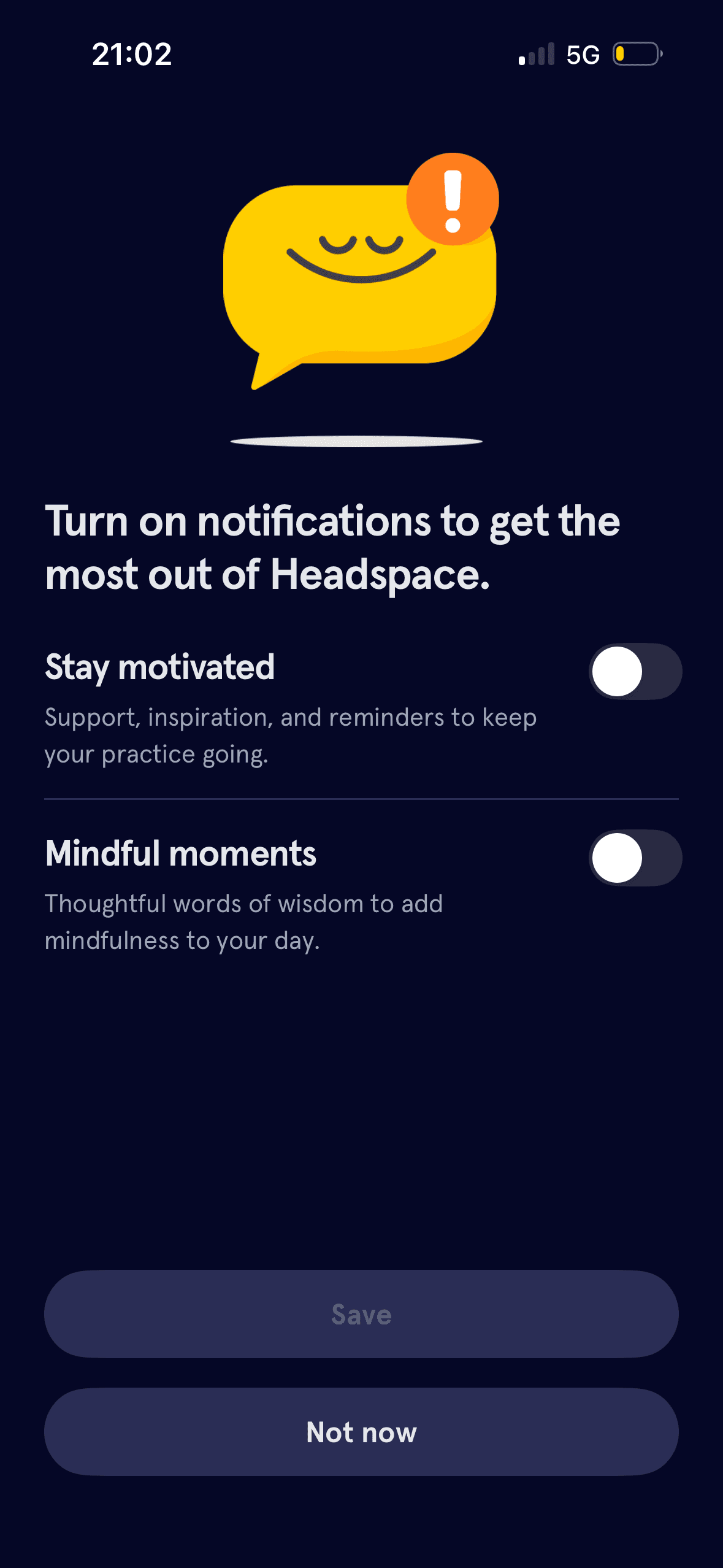
Both notification categories start off, Save is unavailable until a choice changes and Not now remains visible. These are observable defaults that preserve non-subscription; the screenshot does not show whether people keep or later change them.
The arrangement of the main controls, supporting information and available actions determines which action is easiest to see and take. The screen should keep alternatives, refusal and correction proportionate to their importance.
Visual hierarchy gives the available choices and selected state a clear point of entry. Important secondary information still needs enough prominence to be found before commitment.
The immediate task stays focused on one decision before the wider journey continues. That sequencing reduces simultaneous choices when later steps remain predictable and reversible.